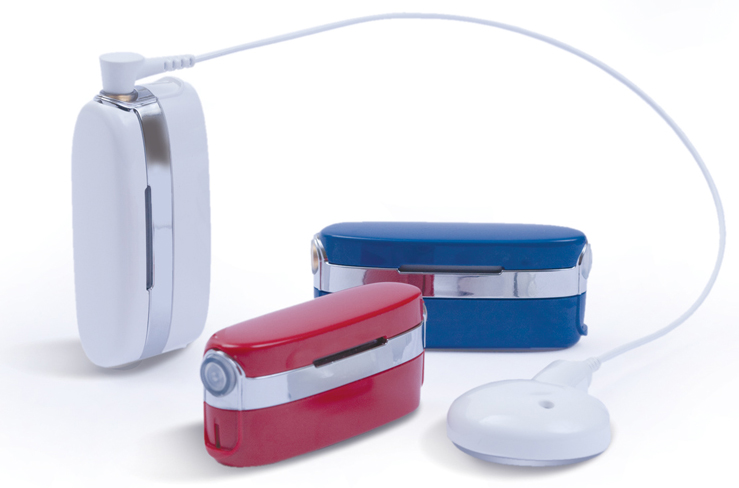
 Neptune, the world’s first and only swimmable sound processor for cochlear implant recipients, is now approved in Japan.
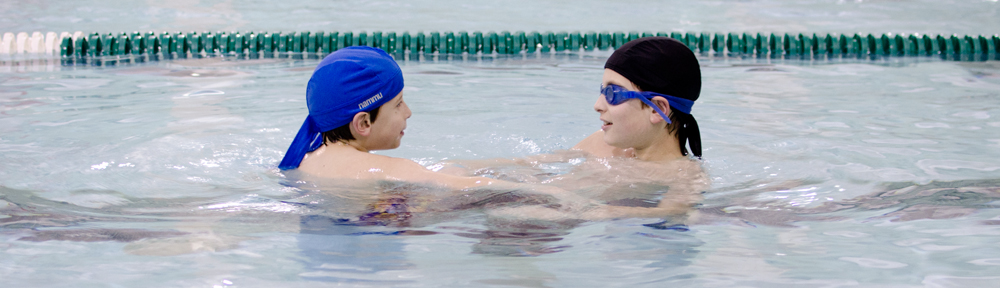
Neptune, the world’s first and only swimmable sound processor for cochlear implant recipients, is now approved in Japan.
Author and cochlear implant user Michael Chorost has published a detailed review of the Naída CI Q70 processor, filled with user experiences and pros and cons of the processor. Read the full review here.
Deb Deitz
As the proud new owner of a Naída CI Q70 cochlear implant processor, I was delighted to see that Advanced Bionics had come out with a free App that I could use on my iPhone and Android Tablet that gives me the same user information that came with my kit. Now we can basically have all the information at our fingertips without having to drag out the user manuals!
There are two versions of the myNaída App and each has its own separate link. The first one is for iPhone users and Apple products and the second is for Android phones and tablets.
 I turned on my Samsung Galaxy 10.1 Tablet, an Android tablet, and wasn’t 100% sure how to install the App. I went to the “Play Store” and typed in the word “Naída”. Sure enough a website came up asking me which version I wanted to download. I chose “for Android devices” and within a minute I had the full myNaída app installed on my tablet! Just search the iTunes store or Google Play for myNaída.
In the upper right corner of any screen, you will see a little blue and white settings icon. This allows you to download all the videos. It’s nice that the videos don’t come with the app, or you could get hit with some serious data charges! Make sure to be connected by wifi when you download the videos.
The words “Instructional Toolkit” sum up this App perfectly. There are nine different sections within the App for various areas of instruction and information. Click and learn.
My Naída CI: Everything about your Naída CI, from parts, assembling the processor, operation manual, listening check, using the phone, wearing off the ear, and caring for your device. The videos come in really handy for sections such as assembling the processor. And naturally, they are all captioned! Be sure to scroll down – there are lots of sections.
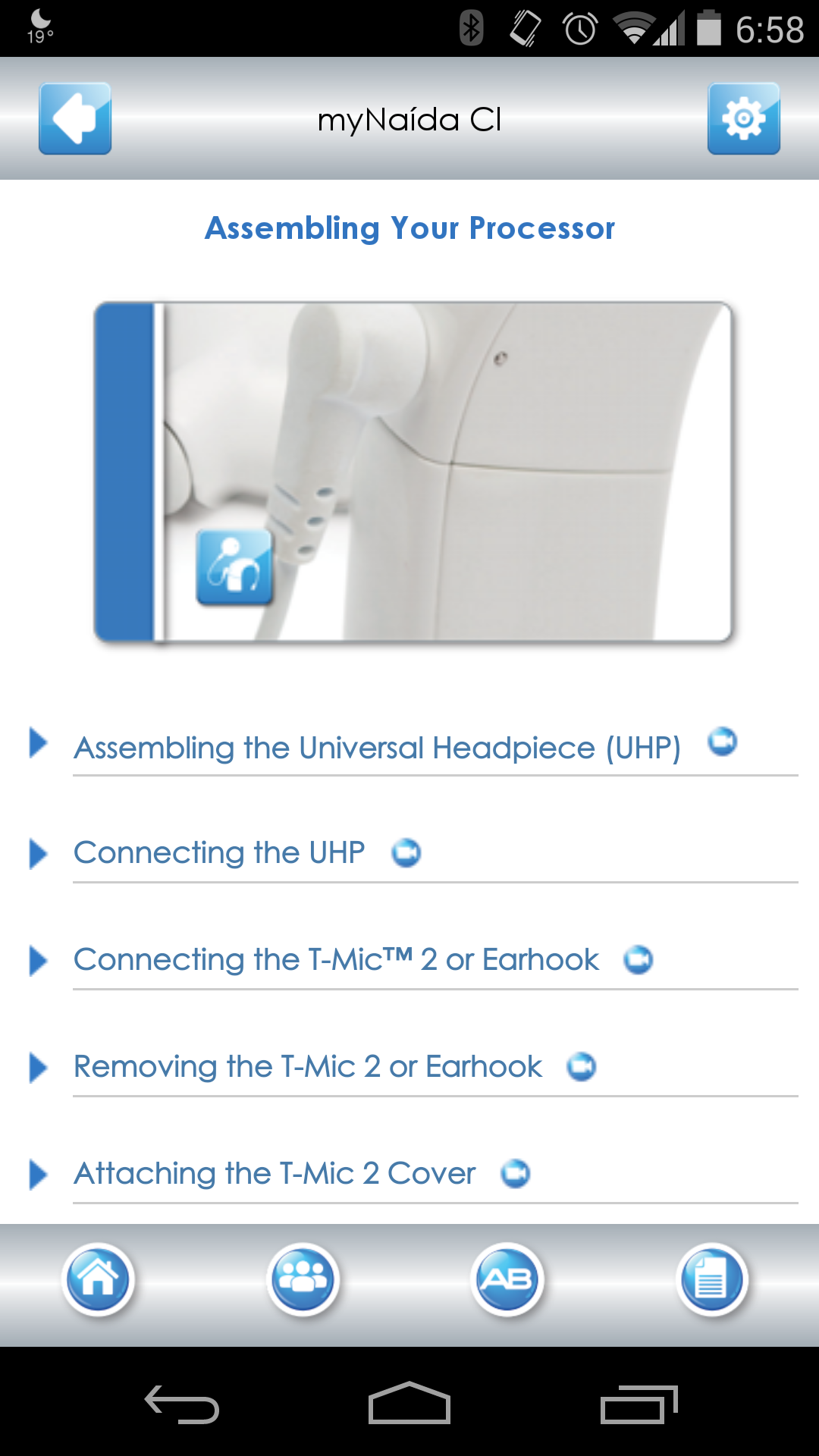
AB myPilot: Parts manual, charging instructions, pairing instructions and operating manual.
ComPilot: Parts manual, charging and operating your ComPilot.
Troubleshooting: Common issues with the Naída CI, AB myPilot and ComPilot are all covered. Full step by step directions on self troubleshooting. This is a wonderful resource! If you have any problem with your gear, make sure to check out this section. It may save you a trip to the audiologist!
 Sound Processing Features: Excellent explanations of what we have and what it does. Clearly describes what each feature does. I am happy to say I am using AutoSound, with ClearVoice and Optima sound processing! If you sometimes forget what features such as DuoPhone, UltraZoom, or Optima do, this section contains clear and simple explanations.
Phonak Binaural VoiceStream Technology: This describes our new Phonak features in full. I am using Ultrazoom and am totally in love with it. I use it in loud situations, like restaurants, paired with ClearVoice, I hear much better in noise than I could dream possible. DuoPhone, QuickSync, and ZoomControl are features for bilateral users. If you are in doubt which programs you might want on your processor, this section can help you select your user settings. Helpful when talking with your audiologist!
Connectivity: This section explains all the ways to connect to your Naída processor. Learn about the T-Mic 2, Naída CI listening check, using the telephone, using T-coil, using Bluetooth with ComPilot, AB myPilot, Phonak TVLink, Phonak RemoteMic, FM access.
Hearing in Noise: T-mic 2, ClearVoice, HiRes Fidelity 120, HiRes Optima Sound Processing, AutoSound, UltraZoom.
Enjoying Music: This section goes further into Advanced Bionics innovations and talks about getting the best music you can have with a CI. There’s even a link to AB’s music training program, Musical Atmospheres.
Using the Phone: AB covers some programs that are helpful with using phones. This feels a bit like marketing material on what the capabilities are, rather than simple instructions on the different ways to use the phone.
There is a tool bar at the bottom of the Home page that takes you to various places. My favorite is the 2nd one with the logo of three people. Click on that and you will find links to take you to the various online sites that have AB features and resources. It’s a great way to contact AB when traveling or not at home and you need something. Make sure to scroll down to see the whole list! There’s everything from Facebook to Pinterest to Instagram, instant email to AB, and more.
Conclusion
If you are thinking about getting a cochlear implant, download this free app to see what features will be available to you! And if you already have a Naída (or two) this is a valuable resource for everything from usage tips to debugging tools.
Everyone will find a use for this App. No need to drag out your backpack with all the manuals, it’s all here, including easy to find and use contact information for Advanced Bionics.
Happy Hearing!
 Advanced Bionics is excited to announce the launch of an all-new myNaída app!
Advanced Bionics has dropped a hint on a waterproof solution for the Naída CI processor on the US web site today. Stay tuned for more information!
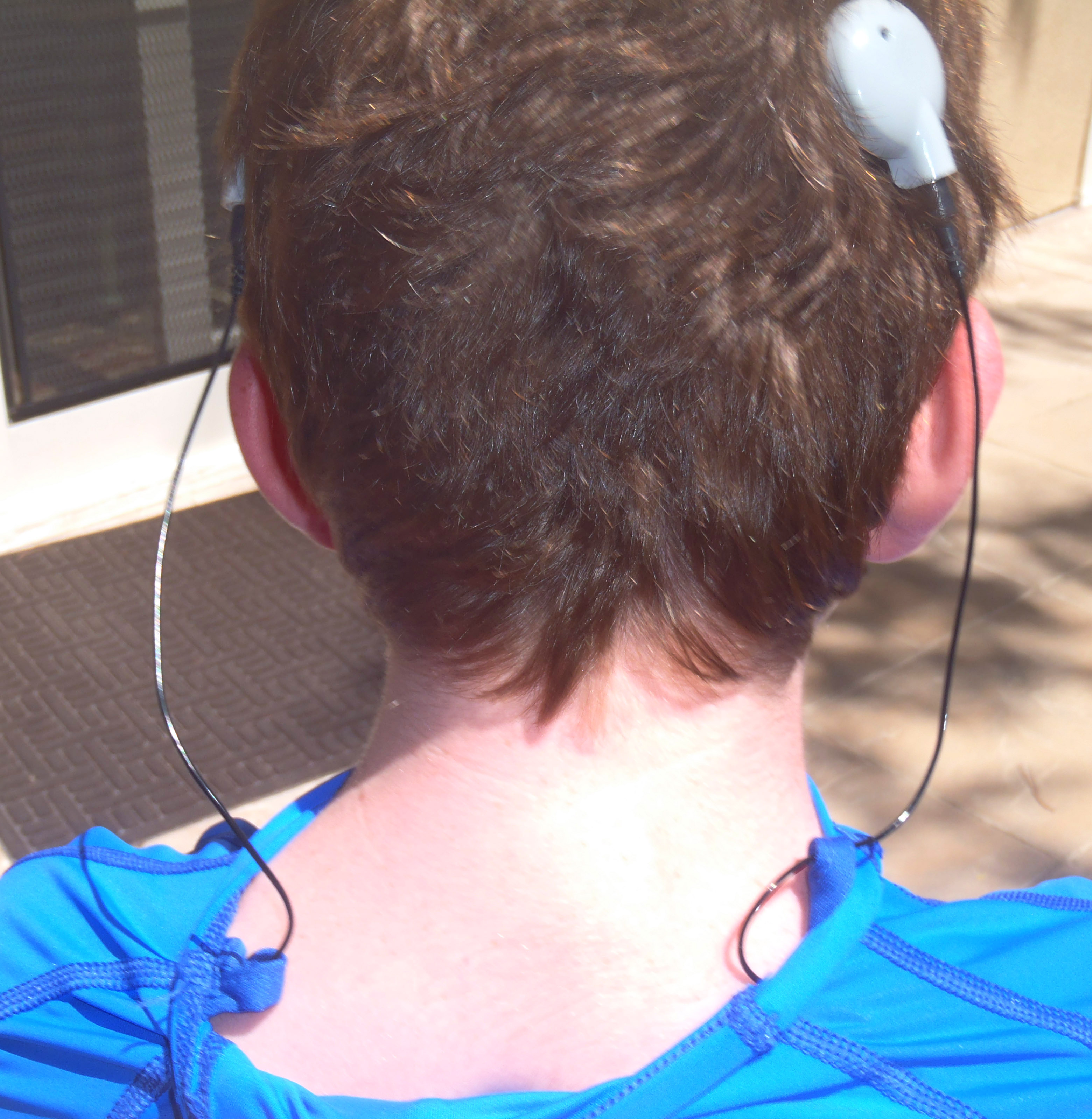 CIWear has come out with a shirt for off-ear cochlear implant processor use. The shirt includes pockets for the processors and cord guides to keep everything in order. According to the web site, the features include:

This gallery contains 25 photos.
Browse the photo gallery below of the Naída CI Q70 and all its associated goodies. Click on an image to enter the slide show!
 Sonova presented the product pipeline for Advanced Bionics during the Investor and Analyst Day 2013. Recent products including the Neptune processor, HiRes 90k Advantage implant, HiFocus Mid-Scala electrode array, and the Naída CI Q70 processor were highlighted. Advanced Bionics is on track to release new electrodes, implants, and processors in 2014 and also in 2015. Here is the timeline from the investor presentation.
 Advanced Bionics has won six Stevie Awards in the 10th Annual International Business Awards, including Gold Stevies for Best New Product of the Year (Health and Pharmaceuticals) for ClearVoice sound processing and Best App in the Shopping category for the Build myNeptune application.
Read the press release here.
 Do you have questions about the Naída CI Q70? See AB’s new FAQ sheet!
 cochlear implant HELP